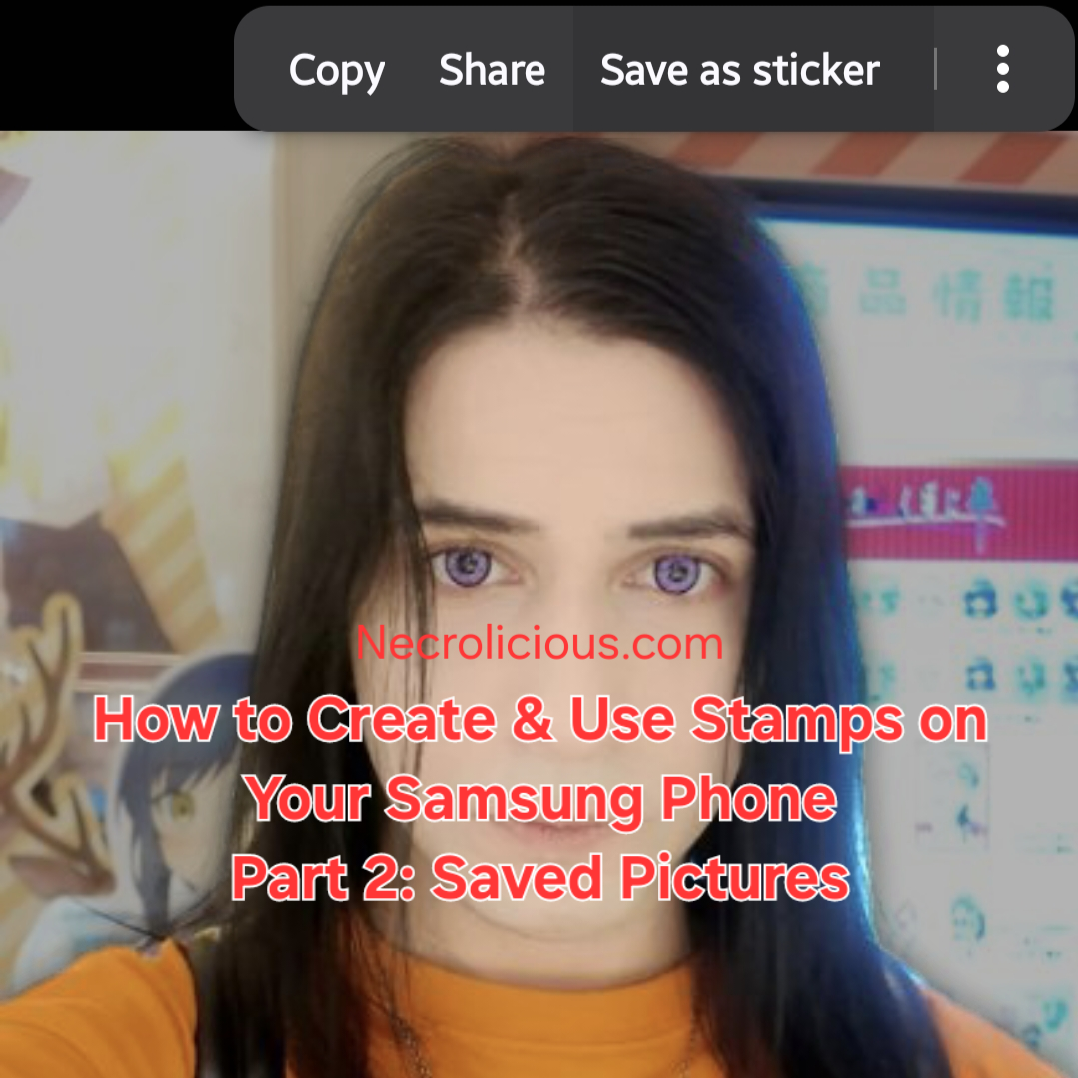
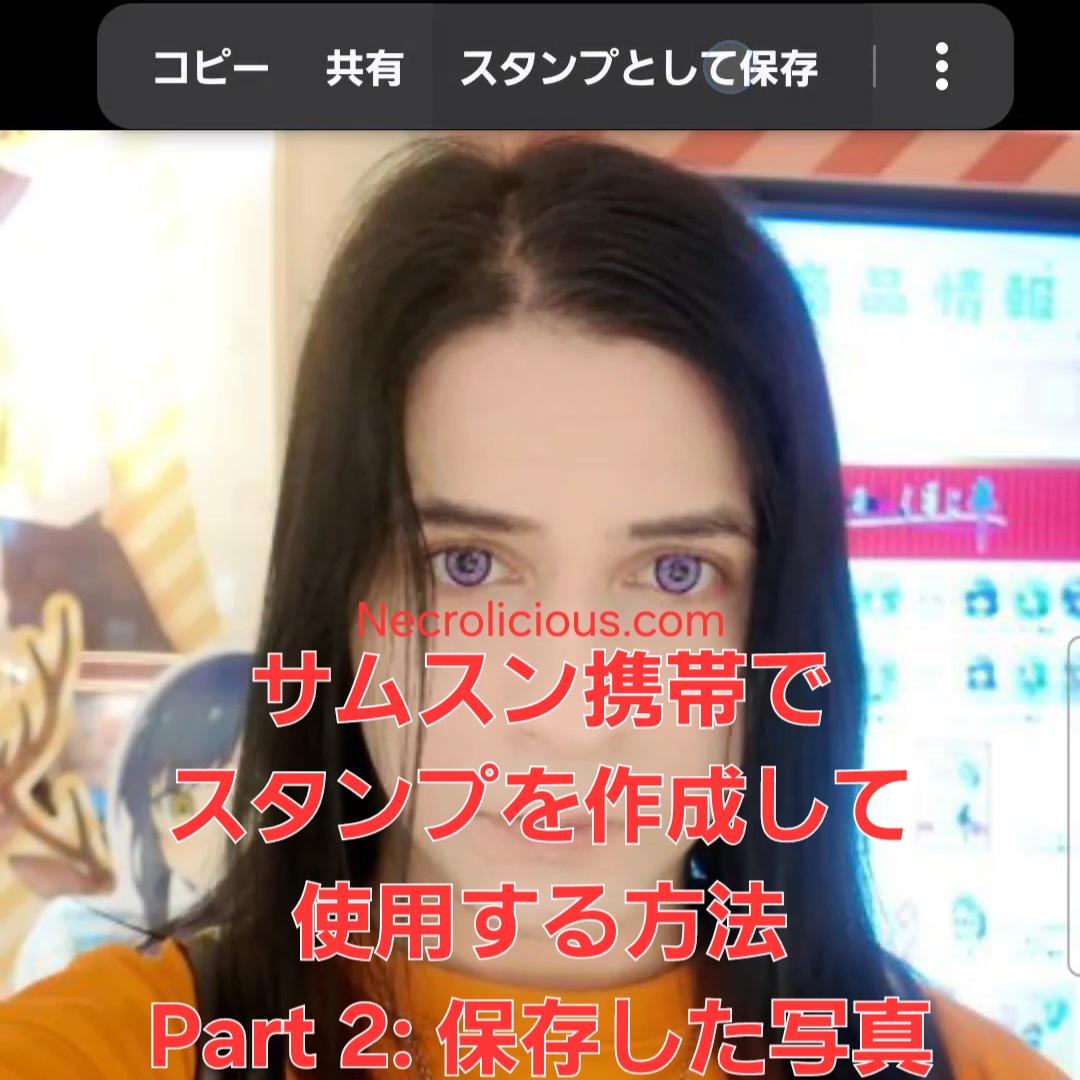
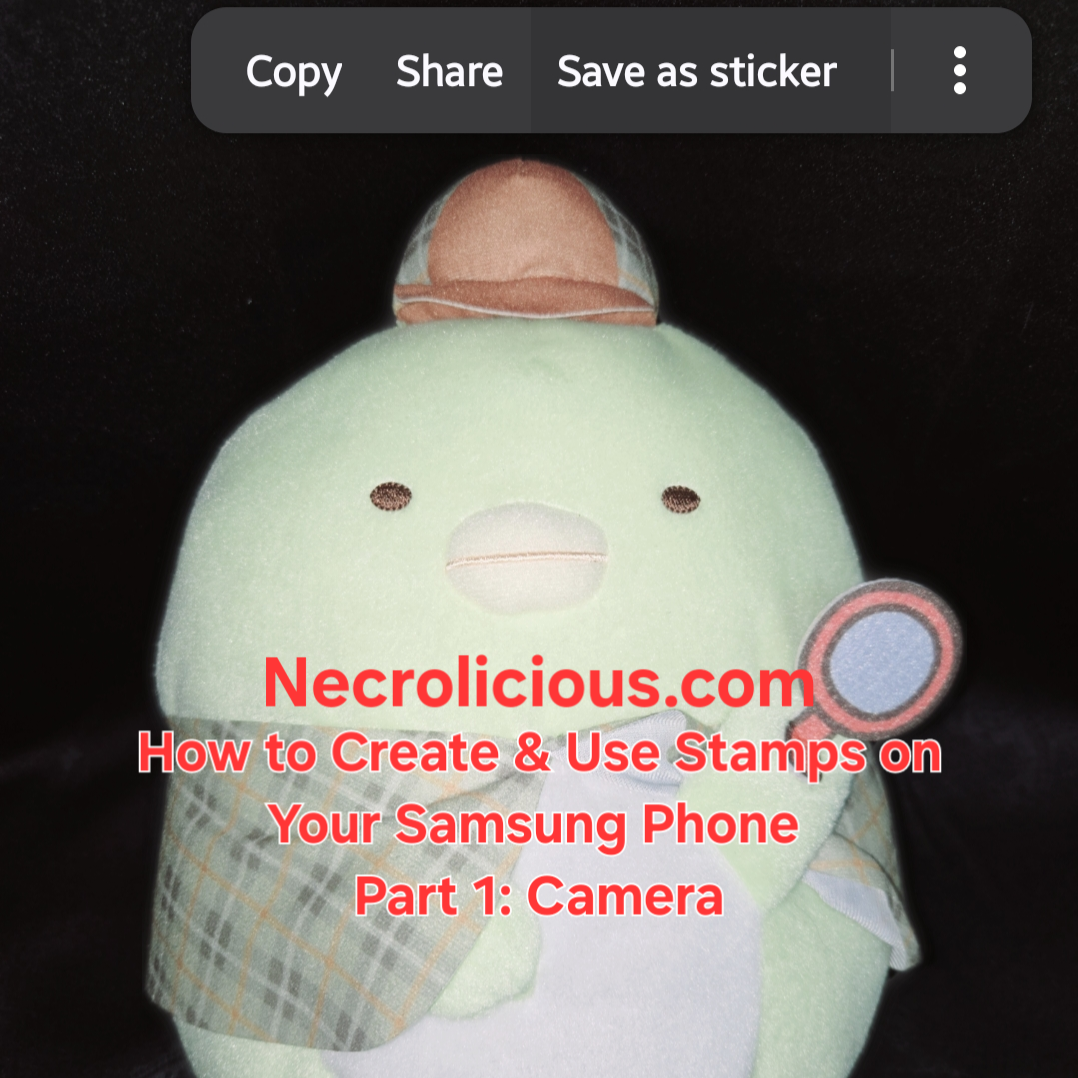
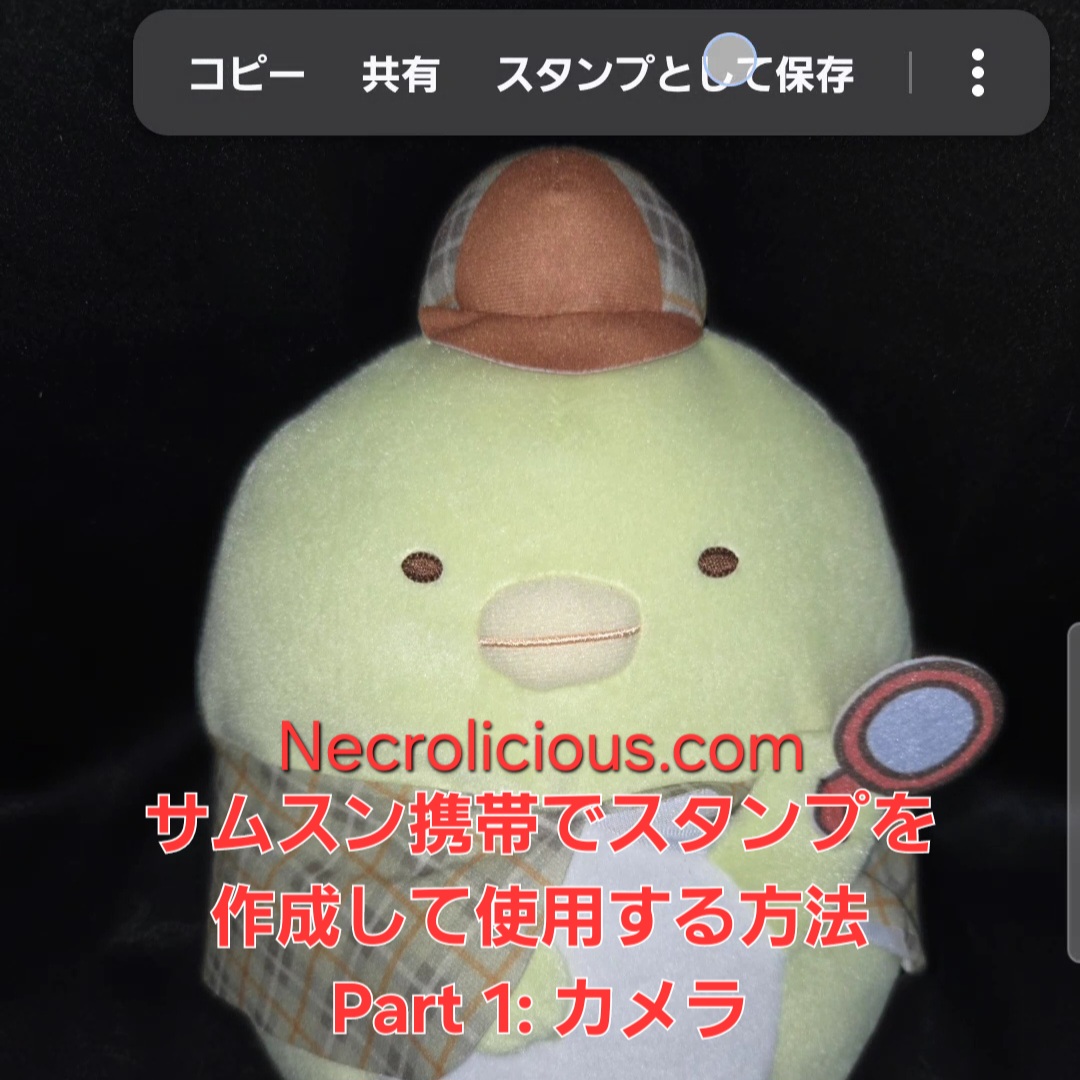
In yesterday’s part 1, I showed you how to create stamps using your Samsung phone’s camera. Today, I will teach you how to do it using ANY picture you find on the internet & save to your Samsung phone.
How to Create & Use Stamps on Your Samsung Phone
Step 1. Find a picture you like online & save it:
Save the picture of the idol, character or other item you want to make into a stamp.
Step 2. Open the photo:
Use Samsung Gallery to open the picture of the person or object you selected.
Step 3. Select the object:
Touch and hold the person or object in the photo on the screen for a few seconds and wait for the stamp creation options to appear.
Step 4. Save as stamp:
Select the “Save as stamp” option, choose your preferred style the tap “Done”.
How to Access & Select Stamps Saved on your Samsung Phone
As we discussed yesterday, to access stamps, tap the button with the flower-like icon above the keyboard to open the stamp menu.
To use stamps, choose a saved stamp to add it to your social media comments/messages, E-mails, notes or use it to decorate your photos. You can use up to 10 stamps at a time.
Get creative: Have fun experimenting with different people & objects! Whose stamp would you like to create? Let me know in the comments!
Note: This feature is available on Samsung phones that support stamp creation. My model is a Samsung Flip 6. See part 1 for a full list of compatible devices as of this writing.
Unless otherwise noted, image assets above are NOT original content & are shared under fair use doctrine with NO claims to authorship or ownership. Contact necrolicious@necrolicious.com for credit or removal.
This post was sponsored by…ME! If you’d like to support, please buy my original meme merchandise or check out my affiliate links to get yourself some other cool things. Additional affiliate links may be contained in the above article. If you click on an affiliate link & sign up/make a purchase, I may earn a commission. This does not increase the price you pay for the product or service, so it helps support this website at no cost to you.
Are you sad that there is no official stamp for your favorite idol or character? If you have a Samsung phone, you can make anyone & anything into a stamp. Today in part 1, I will teach you how to do it using your Samsung phone’s camera.
How to create and use stamps on your Samsung phone
Step 1. Choose an object:
Choose an idol, character or other item you want to make into a stamp.
Step 2. Take a photo:
Use your Samsung phone’s camera to take a clear photo of the object you selected.
Step 3. Select the object:
Touch and hold the object in the photo on the screen for a few seconds and wait for the stamp creation options to appear.
Step 4. Save as stamp:
Select the “Save as stamp” option, choose your preferred style the tap “Done”.
To access stamps, tap the button with the flower-like icon above the keyboard to open the stamp menu.
To use stamps, choose a saved stamp to add it to your social media comments/messages, E-mails, notes or use it to decorate your photos. You can use up to 10 stamps at a time.
Get creative: Have fun experimenting with different objects! Whose stamp would you like to create? Let me know in the comments!
Note: This feature is available on Samsung phones that support stamp creation. My model is a Samsung Flip 6.
Samsung Phones Supporting Stamp Creation The stamp creation feature is available on Galaxy devices running One UI 5.0, One UI 6.0, or One UI 7.0. The following models are confirmed to support or are capable of running these software versions, making them compatible with the stamp creation feature: Galaxy S Series Galaxy S25 Series: S25, S25+, S25 Ultra, S25 Edge (released with One UI 7.0)
Galaxy S24 Series: S24, S24+, S24 Ultra, S24 FE (supports One UI 6.0 and later)
Galaxy S23 Series: S23, S23+, S23 Ultra, S23 FE (supports One UI 5.0 and later)
Galaxy S22 Series: S22, S22+, S22 Ultra (supports One UI 5.0 and later)
Galaxy S21 Series: S21, S21+, S21 Ultra, S21 FE (supports One UI 5.0 and later)
Galaxy S20 Series: S20, S20+, S20 Ultra, S20 FE (supports One UI 5.0 on most models)
Galaxy S10 Series: S10, S10+, S10e, S10 5G (some models support One UI 5.0, depending on region)
Galaxy Note Series (select models): Galaxy Note 20, Note 20 Ultra (supports One UI 5.0 and later)
Galaxy Note 10, Note 10+, Note 10 Lite (some models support One UI 5.0, depending on region)
Galaxy Z Series (Foldables) Galaxy Z Fold Series: Z Fold 6, Z Fold 5, Z Fold 4 (supports One UI 5.0 and later)
Galaxy Z Flip Series: Z Flip 6, Z Flip 5, Z Flip 4 (supports One UI 5.0 and later)
Earlier Foldables: Z Fold 3, Z Flip 3 (supports One UI 5.0 and later)
Galaxy A Series (Mid-Range) Galaxy A16 5G, A26 5G, A36 5G (supports One UI 6.0 and later)
Galaxy A55 5G, A35 5G (supports One UI 6.0 and later)
Galaxy A54 5G, A34 5G (supports One UI 5.0 and later)
Galaxy A53 5G, A33 5G (supports One UI 5.0 and later)
Galaxy A52, A52 5G, A52s 5G (supports One UI 5.0 and later)
Galaxy A51, A51 5G (some models support One UI 5.0, depending on region)
Galaxy A32 5G (supports One UI 5.0 and later)
Other A-Series Models: Select models like A73, A72, A71, A42 5G, and A41 may support One UI 5.0, depending on region and update availability
Galaxy M Series (Budget) Galaxy M55, M35, M34, M33 (supports One UI 5.0 or later, depending on region)
Galaxy M54, M53, M52 5G (supports One UI 5.0 and later)
Other M-Series Models: Some models like M32, M31, and M51 may support One UI 5.0 in select regions
Galaxy F Series Galaxy F54, F34, F23 (supports One UI 5.0 and later)
Other F-Series Models: Select models may support One UI 5.0, depending on region
Additional Notes Software Dependency: The stamp creation feature requires One UI 5.0 or later. Devices must be updated to at least Android 13 to access this feature. Some older models (e.g., Galaxy S10, A51) may not receive One UI 5.0 in all regions, so compatibility depends on the software update status. Check your device’s software version in Settings > About Phone > Software Information.
Feature Availability: The primary method for creating stamps is through the Gallery app (as described in the provided guide) or via the Lift Object feature (long-press on a subject in a photo). The Gallery app method is detailed in sources & works on One UI 5.0 and above. The Lift Object method, available on One UI 6.0 and later, allows saving objects as stamps with a transparent background for use in messaging apps like WhatsApp, Instagram, and Samsung Notes.
Samsung Keyboard Integration: To use custom stamps in messaging apps, they must be added to the Samsung Keyboard. This requires setting the Samsung Keyboard as the default and accessing the stamps via the emoji/sticker menu.
Limitations: Stamps created in the Gallery app are primarily for use within the Gallery or Samsung Notes. For broader use in apps like WhatsApp, the stamps need to be saved to the Samsung Keyboard or exported as PNGs with a transparent background. Some apps may add a black background when sharing, which is a known limitation.
AR Emoji and Galaxy Avatar: Starting with the Galaxy S25 series and One UI 7.0, AR Emoji features are renamed to Galaxy Avatar, which also supports stamp creation. This is available on select models running Android 15 and One UI 7.0.
Device Exclusions: Older models (e.g., Galaxy S9, A50, or earlier) or devices with limited specifications may not support One UI 5.0 or the stamp creation feature due to hardware or software limitations.
Verification
To confirm if your Samsung phone supports stamp creation: Check the One UI version in Settings > About Phone > Software Information.
Open the Gallery app, select a photo, tap Edit (pencil icon), then look for the Decorations (smiley face) icon & Stickers option. If available, tap the Gallery icon and look for Create sticker.
Alternatively, try the Lift Object method: open a photo in the Gallery, long-press on a subject to check if the Save as sticker option appears (One UI 6.0 or later).
Unless otherwise noted, image assets above are NOT original content & are shared under fair use doctrine with NO claims to authorship or ownership. Contact necrolicious@necrolicious.com for credit or removal.
This post was sponsored by…ME! If you’d like to support, please buy my original meme merchandise or check out my affiliate links to get yourself some other cool things. Additional affiliate links may be contained in the above article. If you click on an affiliate link & sign up/make a purchase, I may earn a commission. This does not increase the price you pay for the product or service, so it helps support this website at no cost to you.
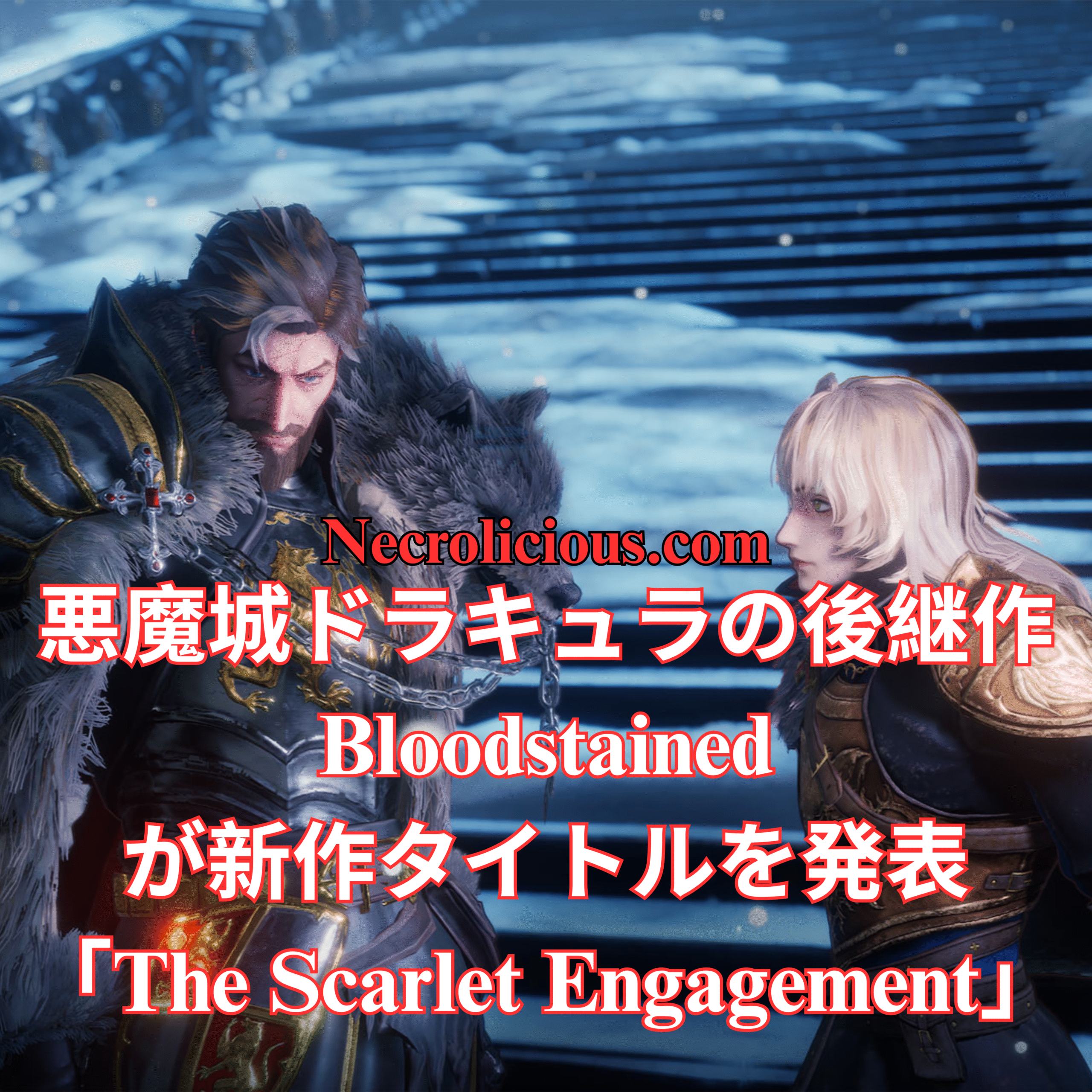
Bloodstained: The Scarlet Engagement―2026年に登場する究極の横スクロール吸血鬼ゲーム体験
吸血鬼ゲームとしてのBloodstained: The Scarlet Engagement:キャッスルヴァニアの暗黒の遺産の響き Bloodstained: The Scarlet Engagementの発表は、ゲーマーコミュニティ、特に吸血鬼ゲームのファンに大きな反響を呼んでいます。伝説的な『キャッスルヴァニア』シリーズの精神的後継者として、2026年に発売予定のこの新作は、真の吸血鬼ゲームの神髄を体現する濃厚なゴシック体験を約束します。最新のState of Playイベントで公開された本作は、闇が支配する世界へとプレイヤーを誘い、悪魔の力との戦いは、吸血鬼との時代を超越した闘争を反映しています。
Bloodstained: The Scarlet Engagementのゲームプレイは、探索と激しい戦闘を融合させた愛される吸血鬼ゲーム『キャッスルヴァニア ギャラリー・オブ・ラビリンス』のデュアルキャラクターメカニクスを彷彿とさせます。プレイヤーはレオとアレックスを同時に操作し、吸血鬼ゲームに期待される戦略的深みを感じさせる課題に挑むために、2人を切り替えて操作できます。このバディシステムは、メトロイドヴァニアスタイルの探索を強化し、吸血鬼やその眷属とも言える強力な敵に対する連携攻撃を可能にします。
Bloodstained: The Scarlet Engagementの広大な世界は、吸血鬼ゲームの美学を念頭に設計されています。夜明けから夜への動的な時間の変化は、環境を変貌させ、ゲームプレイやプレイヤーのインタラクションに影響を与え、吸血鬼の力が月とともに増減する様子を彷彿とさせます。新しいエピファニー戦闘システムは、新鮮な動きや能力を導入し、吸血鬼ゲームの伝統に忠実でありながら革新的な戦闘の習得を促します。さらに、クラフト、料理、豊富なカスタマイズオプションは、呪われた大地を旅するパーソナライズされた冒険を提供し、最高の吸血鬼ゲームに典型的な没入感を深めます。
Bloodstained: The Scarlet Engagementは、ブラッドステインドの遺産を継承するだけでなく、現代的なメカニクスと豊かな物語で吸血鬼ゲームのジャンルを活性化させることで、際立つ存在です。State of Playでの発表は、ゲーム業界におけるその重要性を強調し、吸血鬼ゲームのベテランファンからダークでスリリングな冒険を求める新規プレイヤーまで、2026年のリリースが広く受け入れられることを約束します。『キャッスルヴァニア』の暗黒の遺産とのつながりは明らかで、アクションアドベンチャーおよび吸血鬼ゲームのジャンルを愛する人々にとって必プレイの作品となるでしょう。
Bloodstained: The Scarlet Engagementのリリースを心待ちにする中、2026年の傑出した吸血鬼ゲームの一つとなる可能性への期待が高まります。ゴシックな世界、革新的なゲームプレイ、クラシックタイトルへのオマージュを備えたこのブラッドステインドシリーズの新章は、ジャンルに永続的な足跡を残す準備ができています。人間と吸血鬼の境界が曖昧になる世界に足を踏み入れ、最も勇敢な者だけが勝利を手にしてください。
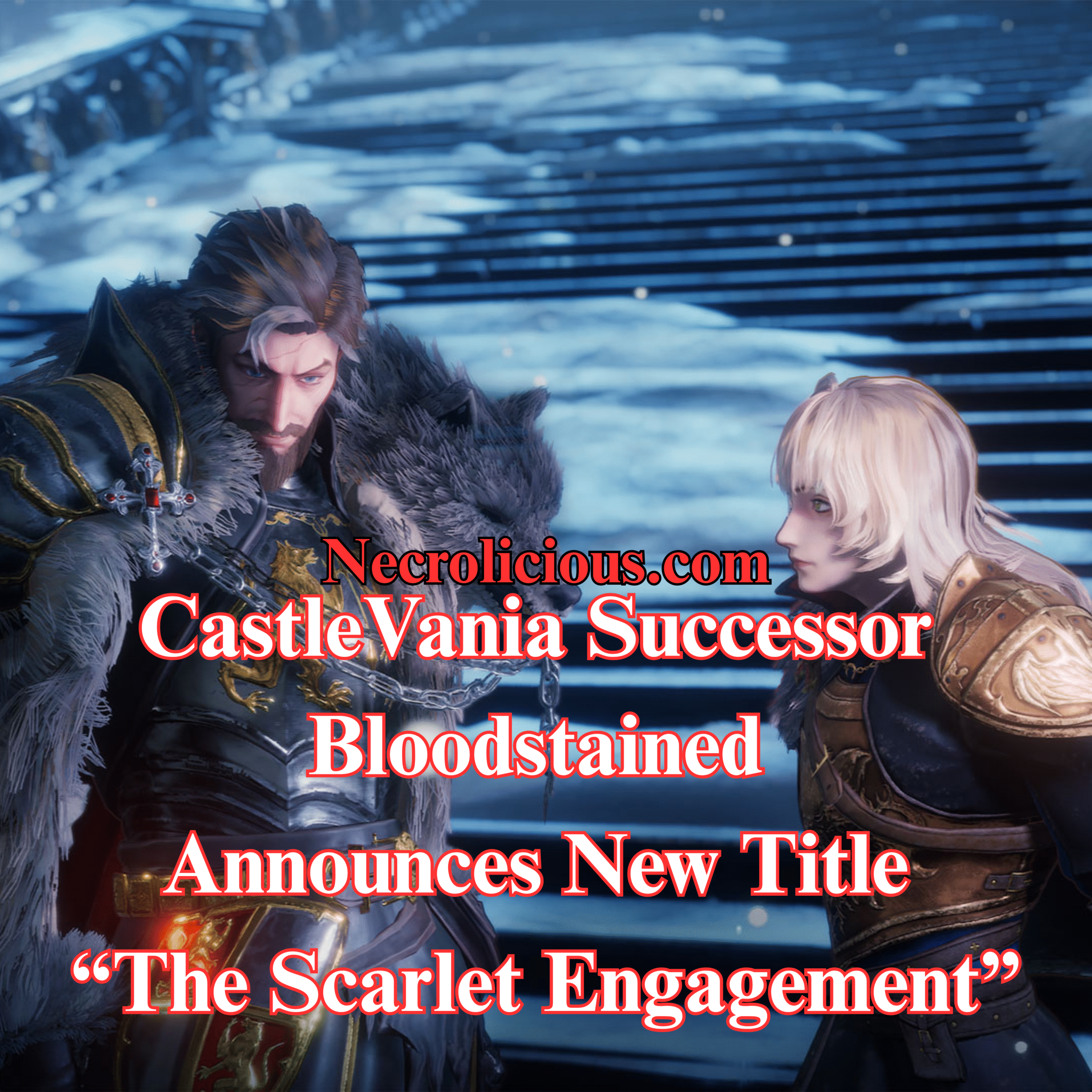
Bloodstained: The Scarlet Engagement as a Vampire Game: Echoes of Castlevania’s Dark Legacy
The announcement of Bloodstained: The Scarlet Engagement has sent ripples through the gaming community, particularly among fans of vampire games. As a spiritual successor to the legendary Castlevania series, this new 2026 release promises to deliver a rich, Gothic experience that embodies the essence of a true vampire game. Revealed during the recent State of Play event, Bloodstained: The Scarlet Engagement invites players into a world where darkness reigns, & the fight against demonic forces mirrors the timeless struggle against vampires.
Set in a haunting 16th-century England, Bloodstained: The Scarlet Engagement introduces a narrative where a mysterious ethereal castle, controlled by Demon Lord Elias, casts a shadow over the land. This setting is quintessential for a vampire game, with its Gothic architecture, cursed landscapes, & the pervasive threat of supernatural evil. The game features two new protagonists, Leonard Brandon & Alexander Kyteler, who must navigate this world to defeat Elias, much like vampire hunters of old. Their journey is not just a battle against demons but a delve into a vampire game’s core themes of horror, bravery, & redemption.
Gameplay in Bloodstained: The Scarlet Engagement echoes the dual-character mechanics of Castlevania: Portrait of Ruin, a beloved vampire game that combined exploration with intense combat. Players can control both Leo & Alex simultaneously, switching between them to tackle challenges that resonate with the strategic depth expected in a vampire game. This buddy system enhances the Metroidvania-style exploration, a staple of the genre, allowing for coordinated attacks against formidable foes that could easily be vampires or their kin.
The expansive world of Bloodstained: The Scarlet Engagement is designed with the vampire game aesthetic in mind. Dynamic time changes from dawn to night transform the environment, affecting both gameplay & player interaction, much like how a vampire’s power waxes & wanes with the moon. The new Epiphany Combat System introduces fresh moves & abilities, encouraging players to master combat in ways that feel both innovative & true to the vampire game tradition. Additionally, crafting, cooking, & extensive customisation options provide a personalised adventure through this cursed land, deepening the immersive experience typical of the best vampire games.
Bloodstained: The Scarlet Engagement stands out as a vampire game by not only continuing the Bloodstained legacy but also by reinvigorating the genre with modern mechanics & a rich narrative. Its announcement at State of Play highlights its importance in the gaming landscape, promising a 2026 release that will appeal to both veteran fans of vampire games & newcomers seeking a dark, thrilling adventure. The game’s connection to Castlevania’s dark legacy is evident, making it a must-play for those who cherish the action-adventure & vampire game genres.
As we look forward to the release of Bloodstained: The Scarlet Engagement, the anticipation grows for what could be one of the standout vampire games of 2026. With its Gothic world, innovative gameplay, & homage to classic titles, this new chapter in the Bloodstained series is poised to leave a lasting mark on the genre. Prepare to step into a world where the line between human & vampire blurs, & only the bravest can prevail.
Unless otherwise noted, image assets above are NOT original content & are shared under fair use doctrine with NO claims to authorship or ownership. Contact necrolicious@necrolicious.com for credit or removal.
This post was sponsored by…ME! If you’d like to support, please buy my original meme merchandise or check out my affiliate links to get yourself some other cool things. Additional affiliate links may be contained in the above article. If you click on an affiliate link & sign up/make a purchase, I may earn a commission. This does not increase the price you pay for the product or service, so it helps support this website at no cost to you.
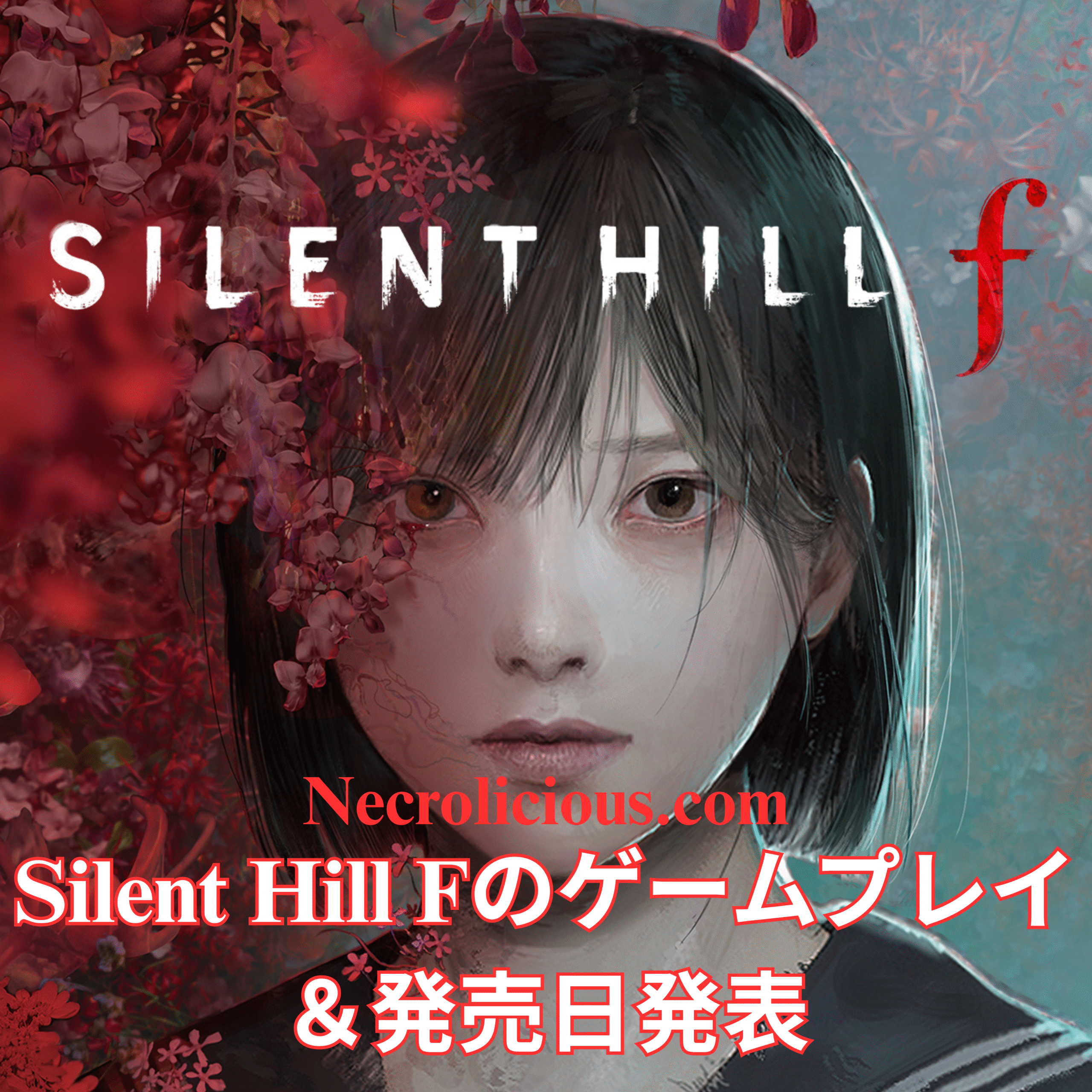
長らく待たれた「Silent Hill F」のゲームプレイトレーラーがついに公開され、2025年9月25日の発売日も確認されました。これは、アイコニックなサバイバルホラーシリーズのファンにとって重要な節目であり、1960年代の日本を舞台にした新しい章が始まります。ソニーの State of Play で明らかになったトレーラーは、プレイヤーを待つ恐怖と美しさを組み合わせた世界を垣間見せ、心理的ホラー & アクション指向のゲームプレイを約束しています。
2025年9月25日に発売予定の Silent Hill F の不気味な世界を探求。ゲームプレイトレーラー & このゲームの必見ポイントを詳しく見ていきます。
「Silent Hill F」は、シリーズの伝統的なアメリカの霧に包まれた街から、日本の文化的に豊かな背景に移行します。この変化は地理的なものだけでなく、テーマ的にもであり、日本のホラーの本質を捉えることを目指しています。ゲームプレイトレーラーは、主人公の清水陽子が霧に包まれた恵比寿丘町を航海し、グロテスクなモンスターと対峙し、複雑なパズルを解く姿を披露します。視覚スタイルはこれまでのエントリーとは異なり、親しみやすさを保ちながら新しい要素を導入し、「プレイヤーの psyche に深く入り込む」とアーティストの Kera が述べています。
発売日発表は、ゲームコミュニティ全体で興奮を呼び起こし、PlayStation 5、Steam、Xbox Series X|S、Epic Games、Microsoft Store で標準版 & デラックス版のプレオーダーが開始されました。このマルチプラットフォームの可用性により、幅広い聴衆が「Silent Hill F」の恐怖と美しさを体験することが保証されます。NeoBards Entertainment による開発と、「Silent Hill 2」のリメイクを監督した岡本基がプロデュースしていることも期待を高めています。「Higurashi When They Cry」で知られる Ryukishi07 の関与により、孤独、裏切り、自己保存というテーマに焦点を当てた物語がさらに豊かになります。
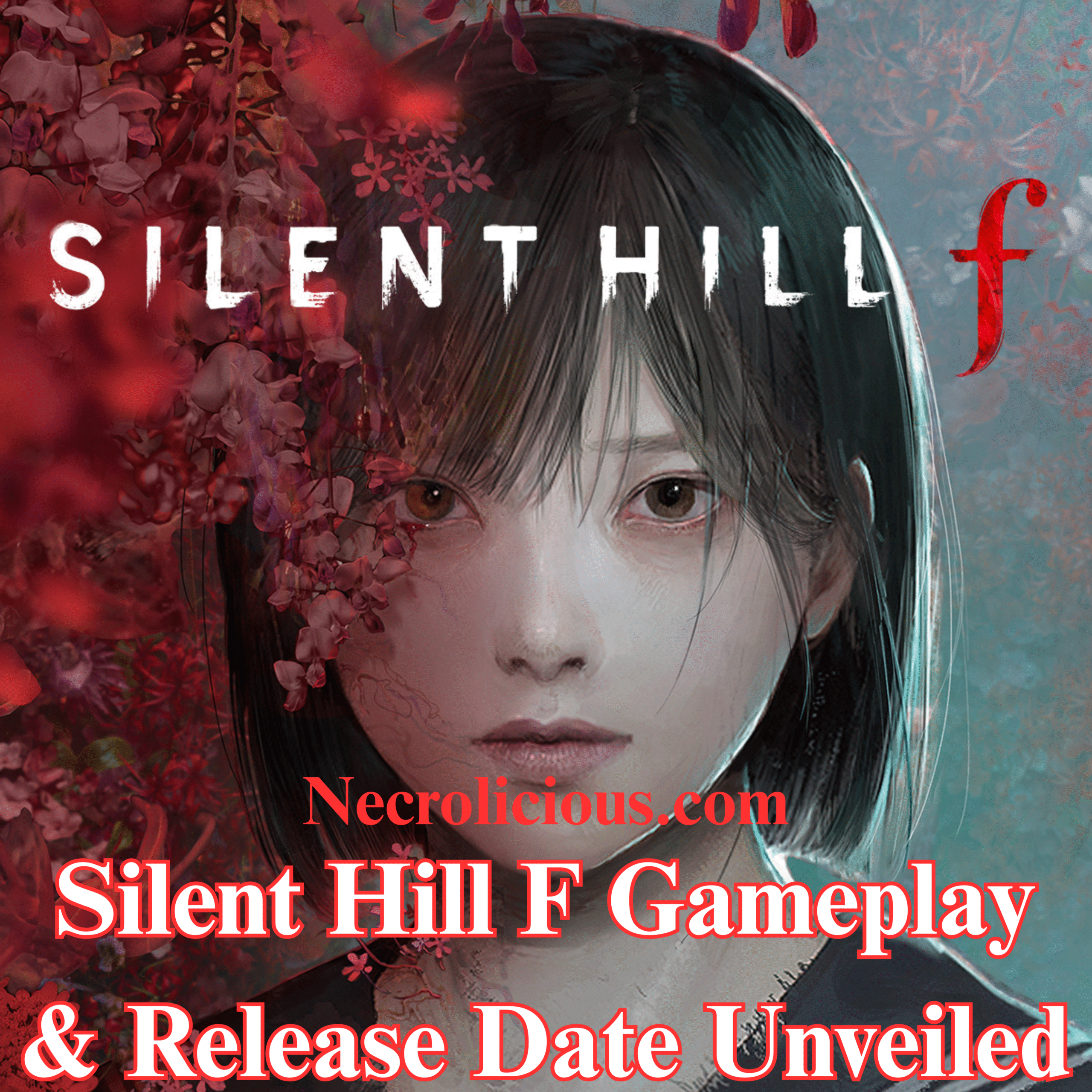
The highly anticipated “Silent Hill F” has finally unveiled its gameplay trailer, alongside a confirmed release date of 25th September 2025. This marks a significant milestone for fans of the iconic survival horror franchise, as it introduces a fresh chapter set in 1960s Japan. The trailer, revealed during Sony’s State of Play, offers a glimpse into the terrifying yet beautiful world that awaits players, promising a blend of psychological horror & action-oriented gameplay.
Explore the eerie world of Silent Hill F, set for release on 25th September 2025. Dive into the gameplay trailer & what makes this game a must-play.
“Silent Hill F” shifts the series’ traditional setting from the fog-laden streets of America to the culturally rich backdrop of Japan. This change is not merely geographical but also thematic, aiming to encapsulate the essence of Japanese horror. The gameplay trailer showcases protagonist Hinako Shimizu navigating the mist-shrouded town of Ebisugaoka, facing grotesque monsters & solving intricate puzzles. The visual style, distinct from previous entries, retains a sense of familiarity while introducing new elements that promise to “infiltrate players’ psyches,” as stated by artist Kera.
Find the beauty in terror in the latest SILENT HILL f trailer.
Coming to PlayStation 5, Steam, Xbox Series X|S, Epic Games, Microsoft Store (Windows) on September 25.#SILENTHILL#SILENTHILLf
The release date announcement has sparked excitement across the gaming community, with pre-orders now available for both standard & deluxe editions on platforms such as PlayStation 5, Steam, Xbox Series X|S, Epic Games, & Microsoft Store. This multi-platform availability ensures that a broad audience can experience the terror & beauty of “Silent Hill F.” The game’s development by NeoBards Entertainment, under the production of Motoi Okamoto, who also oversaw the successful “Silent Hill 2” remake, adds to the anticipation. The involvement of Ryukishi07, known for his work on “Higurashi When They Cry,” further enriches the narrative, focusing on themes of loneliness, betrayal, & self-preservation.
Unless otherwise noted, image assets above are NOT original content & are shared under fair use doctrine with NO claims to authorship or ownership. Contact necrolicious@necrolicious.com for credit or removal.
This post was sponsored by…ME! If you’d like to support, please buy my original meme merchandise or check out my affiliate links to get yourself some other cool things. Additional affiliate links may be contained in the above article. If you click on an affiliate link & sign up/make a purchase, I may earn a commission. This does not increase the price you pay for the product or service, so it helps support this website at no cost to you.
『Dead by Daylight』(デッド・バイ・デイライト)は、Behaviour Interactiveによって開発された非対称型マルチプレイホラーゲームで、霧に包まれた世界の中で、プレイヤーは生存者か殺人鬼を選び、それぞれが独自の能力を持っています。
『Five Nights at Freddy’s』(ファイブ・ナイツ・アット・フレディーズ)は、スコット・カウソンによって制作されたサバイバルホラーシリーズで、ジャンプスケア、豊富なストーリー設定、そしてフレディ・ファズベアのピザ屋を舞台にした象徴的なアニマトロニクスで知られています。
このたび、Dead by Daylightの9周年記念として発表されたコラボレーションは、長年ファンから望まれていた夢の実現であり、これまでで最大級のコラボの一つとされています。すべてのプラットフォーム向けに、2025年6月17日にリリースされる予定であり、最新の情報とも一致しています。
コラボの主な内容
新キラー:スプリングトラップ
「アニマトロニクス」または「黄色いウサギ」として知られるスプリングトラップが、新たなキラーとして登場します。スプリングトラップがプレイアブルキャラクターとしてゲームに登場するのは今回が初めてで、Five Nights at Freddy’sファンにとっては重要なマイルストーンです。 2023年のFNaF映画でウィリアム・アフトン役を演じたマシュー・リラードが、スプリングトラップのオリジナルボイスを担当し、自身の姿を元にした「レジェンダリー衣装(黄色いウサギ)」も登場予定です。開発者のインタビューでは、監視や追跡を活用した独自のゲームプレイ要素が導入される可能性があると示唆されています。
新マップ:フレディ・ファズベアのピザ屋
Five Nights at Freddy’sの舞台である「フレディ・ファズベアのピザ屋」を再現した新マップが登場します。セキュリティオフィスやステージなど、FNaFの象徴的な場所を探検できる構成になっており、イースターエッグやサプライズが盛り込まれています。開発陣によると、『バイオハザード』の「ラクーンシティ警察署」のように、豊富なストーリーテーマやジャンプスケアが楽しめる設計になっているとのことです。
リリース日と対応プラットフォーム
このコラボは2025年6月17日に、コンソールとPCを含むすべてのプラットフォームでリリース予定です。これは『Dead by Daylight』の9周年イベントとも連動しています。
コミュニティの反応と意義
発表後、SNSを中心にファンの間では大きな話題となり、期待と推測の声が広がっています。『Five Nights at Freddy’s』は『Dead by Daylight』史上もっとも要望が多かったライセンスの一つであり、このコラボはFNaFの10周年とも重なって、記念的な意義を持っています。
『Dead by Daylight』は、過去にも『エイリアン』『ダンジョンズ&ドラゴンズ』『悪魔城ドラキュラ』『トゥームレイダー』など、数多くのホラー・カルチャーとの成功したコラボ実績があります。『Five Nights at Freddy’s』とのコラボは、ホラーテーマという共通点からも自然な流れであり、一部で噂されていた『フォートナイト』とのコラボではなかったことがファンの間で安心感を生んでいます。
この『Dead by Daylight』と『Five Nights at Freddy’s』のコラボレーションは、ホラーゲームファンにとって記念碑的なイベントです。スプリングトラップの実装、新マップ「フレディ・ファズベアのピザ屋」、FNaF10周年記念といった要素が組み合わさり、2025年6月17日には両作品の魅力を融合させた究極のホラー体験が登場します。このパートナーシップは『Dead by Daylight』の世界をさらに拡張し、両フランチャイズの人気の高さを改めて証明するものとなるでしょう。
Registers a unique ID on mobile devices to enable tracking based on geographical GPS location.
1 day
VISITOR_INFO1_LIVE
Tries to estimate the users' bandwidth on pages with integrated YouTube videos. Also used for marketing
179 days
PREF
This cookie stores your preferences and other information, in particular preferred language, how many search results you wish to be shown on your page, and whether or not you wish to have Google’s SafeSearch filter turned on.
10 years from set/ update
YSC
Registers a unique ID to keep statistics of what videos from YouTube the user has seen.
Session
DEVICE_INFO
Used to detect if the visitor has accepted the marketing category in the cookie banner. This cookie is necessary for GDPR-compliance of the website.
179 days
LOGIN_INFO
This cookie is used to play YouTube videos embedded on the website.